
Choosing the right enterprise software can feel like one of the highest-stakes decisions a growing business ever makes. Enterprise Resource Planning (ERP) systems sit at the very heart of how modern companies operate: they connect finance, inventory, human resources, manufacturing, procurement, and customer management into a single source of truth. But once you decide you need an ERP, the next question is just as important as the first: should it live in the cloud, or on your own servers?
The cloud ERP vs on-premise ERP debate has been running for more than a decade, and in 2026 it is more nuanced than ever. Cloud solutions now power the majority of new ERP deployments, yet on-premise systems remain firmly entrenched in regulated industries, complex manufacturing environments, and large enterprises with highly customized workflows. Neither option is universally better. The right answer depends on your budget, your industry, your IT capabilities, your growth plans, and how you think about data control and innovation.
This complete comparison guide walks you through everything you need to know: how each deployment model works, a head-to-head breakdown across cost, security, customization, scalability, and maintenance, the pros and cons of each, total cost of ownership math, the increasingly popular hybrid middle ground, and how artificial intelligence is reshaping the decision in 2026. By the end, you will be able to make a confident, well-informed choice for your business.
What Is Cloud ERP?
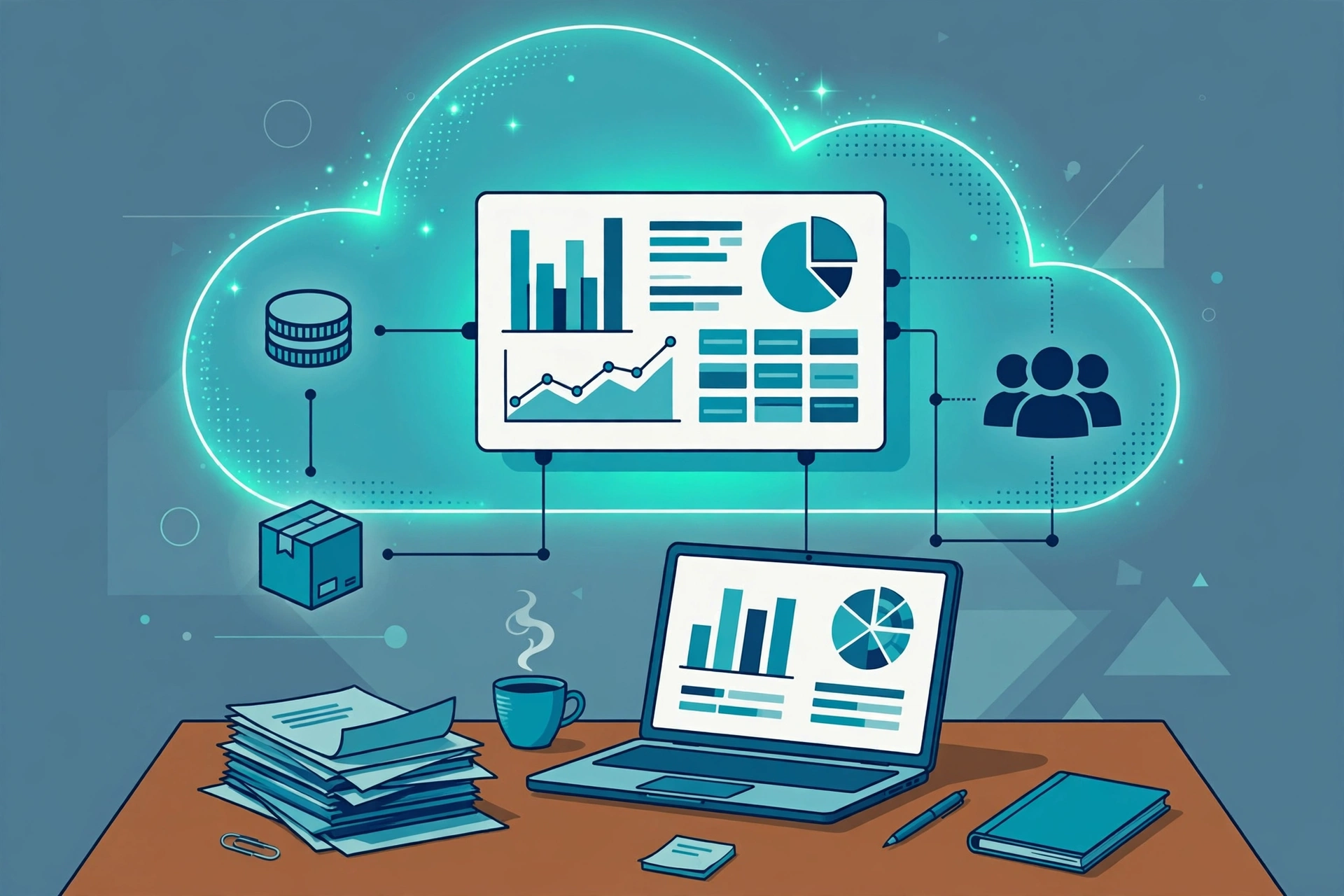
Cloud ERP is an Enterprise Resource Planning system delivered over the internet as a subscription service. Instead of installing the software on servers in your own office or data center, you access it through a web browser (or mobile app), and the vendor handles the underlying infrastructure: servers, storage, networking, backups, and software updates.
Most cloud ERP offerings use the Software-as-a-Service (SaaS) model, meaning you pay a recurring subscription fee — typically monthly or annually, often priced per user — and the vendor takes responsibility for keeping the system running, secure, and up to date. Popular examples include Oracle NetSuite, SAP S/4HANA Cloud, Microsoft Dynamics 365 Business Central, Workday, Sage Intacct, and Acumatica.
Key Characteristics of Cloud ERP
- Subscription pricing: Operational expenditure (OpEx) instead of a large upfront capital investment.
- Vendor-managed infrastructure: No servers to buy, maintain, or upgrade in-house.
- Automatic updates: New features, security patches, and regulatory changes roll out on a regular cycle, often monthly or quarterly.
- Access from anywhere: Employees can log in securely from any location with an internet connection, on any device.
- Rapid deployment: Standard configurations can go live in weeks or a few months, compared to the 6–24 month timelines common with on-premise rollouts.
- Built-in scalability: Adding users, companies, or transaction volume is usually a matter of adjusting the subscription.
Cloud ERP Deployment Flavors
It is worth noting that “cloud ERP” is not one single thing. In 2026, the market offers three main flavors:
- Public cloud (multi-tenant SaaS): Many customers share the same software instance and infrastructure, with the vendor managing everything. This is the classic NetSuite or Business Central model, and it is where the majority of new deployments land.
- Private cloud (single-tenant SaaS): The ERP runs on dedicated infrastructure hosted by the vendor, for one customer. Offerings like RISE with SAP or Oracle’s sovereign clouds fit here, giving extra isolation while keeping vendor management.
- Vendor-hosted but customer-managed: Some companies run their ERP on third-party cloud infrastructure (such as AWS or Azure) while still managing the software themselves — a halfway house that keeps operational control but removes hardware headaches.
What Is On-Premise ERP?
On-premise ERP is the traditional deployment model: the software is installed on servers that you own and control, typically in your own data center or office server room. You purchase a perpetual (or long-term) license for the software, buy and maintain the hardware it runs on, and your own IT team — or a hired partner — installs updates, applies security patches, performs backups, and troubleshoots problems.
Examples of well-known on-premise-capable systems include SAP S/4HANA (on-premise edition), Oracle E-Business Suite, Microsoft Dynamics 365 Finance on-premise, Sage X3, Epicor Kinetic, and Odoo Enterprise self-hosted.
Key Characteristics of On-Premise ERP
- Perpetual licensing plus hardware: A large upfront capital investment in licenses, servers, networking, and facilities.
- Full data control: Your data lives on your infrastructure, exactly where you put it. This is often essential for defense, government, healthcare, and certain regulated financial services.
- Deep customization: Because you control the code and the database, you can customize workflows and business logic at a depth that standardized cloud products rarely match.
- Control over upgrades: You decide if and when to apply updates — no vendor pushing changes on a schedule you did not choose.
- No internet dependency: The system works on your internal network regardless of external connectivity.
- Long upgrade cycles: Major version upgrades are typically large, infrequent projects — every 3 to 7 years — because they are expensive and disruptive.
Who Still Chooses On-Premise?
While cloud deployments dominate new purchases, on-premise ERP remains the rational choice in specific situations: manufacturers with highly specialized production processes and deep legacy customizations, organizations subject to strict data-residency or sovereignty laws, companies in regions with unreliable connectivity, and enterprises that have already invested heavily in on-premise infrastructure and integrations and see little reason to rip them out. For these organizations, the trade-offs of cloud — less control over update timing, subscription costs that compound over decades, and data living in someone else’s data center — outweigh the convenience.
Cloud ERP vs On-Premise ERP: Head-to-Head Comparison
Here is how the two deployment models compare across the dimensions that matter most in a real buying decision:
| Dimension | Cloud ERP | On-Premise ERP |
|---|---|---|
| Upfront cost | Low — subscription model, no hardware purchase | High — licenses plus servers, networking, and facilities |
| Total cost over time | Predictable recurring OpEx; subscriptions compound over long horizons | Front-loaded CapEx, then maintenance (~15–22% of license cost per year) |
| Deployment speed | Weeks to a few months for standard configurations | 6–24+ months for complex multi-entity implementations |
| Upgrades | Automatic, regular (often monthly or quarterly) | Manual, project-based, every 3–7 years |
| Customization | Configuration-led; deep code customization limited | Deep code-level customization possible |
| Scalability | Easy — adjust subscription or add tenants | Expensive — buy and provision new hardware |
| Accessibility | Anywhere with internet, any device | Limited to on-site network unless VPN/remote access is set up |
| Security responsibility | Shared: vendor secures infrastructure, you secure access and data use | Fully yours: your team owns every layer |
| Data control and residency | Vendor regions; cross-border rules add complexity | Full control over where data lives |
| IT staffing needs | Smaller team, focused on configuration and strategy | Larger dedicated team for infrastructure and operations |
| Access to AI features | Vendors ship AI capabilities to cloud first | AI arrives later via scheduled upgrades |
| Typical ROI timeframe | 1–2 years | 3–5 years |
Let us dig into the most important of these dimensions in more detail.
Cost and Total Cost of Ownership
Cloud ERP’s biggest financial advantage is the low barrier to entry. There is no six- or seven-figure license check and no server hardware to buy. A mid-sized company can start for a manageable monthly subscription and spread costs evenly over time. Analysts often model cloud ERP as the lower total-cost option for the first 5–7 years, with predictable OpEx that finance teams love.
On-premise ERP flips that math. The upfront investment is substantial, but once it is paid, the annual maintenance is a known percentage of the license cost, and after a decade or more of running the same system, the cumulative spend can come out lower than perpetual subscriptions. The honest answer is that there is a crossover point, and it depends on user counts, customization depth, and how long you expect to keep the system.
Implementation Speed and Complexity
Speed is one of cloud ERP’s clearest wins. Because the infrastructure is already provisioned and the software is pre-configured with industry best practices, standard implementations can go live in 3–9 months — sometimes faster. On-premise projects, by contrast, must stand up hardware, install and configure software, and often carry heavy customizations that extend timelines to 9–24 months or beyond.
Speed matters for more than impatience: faster go-live means faster return on investment, less business disruption, and a lower chance that the project’s requirements go stale before launch.
Customization vs Standardization
Here is where on-premise ERP earns its keep. If your competitive advantage depends on a highly specific workflow — a unique manufacturing process, a specialized compliance regime, a proprietary pricing model — on-premise systems let you bend the software to fit. Cloud ERP, especially multi-tenant SaaS, takes the opposite philosophy: the vendor delivers a standardized best-practice process, and you configure rather than customize.
Cloud vendors have improved extensibility significantly with low-code platforms, APIs, and app marketplaces, so the gap is narrower than it was five years ago. But there remains a customization ceiling in the cloud that does not exist on-premise. A word of caution: decades of ERP project data show that heavy customization is one of the strongest predictors of budget overruns and painful upgrades. Standardizing on best-practice processes is often not just cheaper — it is better.
Security
Security is the area most misunderstood in the cloud ERP vs on-premise ERP debate. Neither model is inherently “more secure.” Cloud ERP vendors invest at a scale no single company can match: dedicated security teams, advanced encryption, intrusion detection, regular penetration testing, and compliance certifications (SOC 2, ISO 27001, and industry-specific standards). For most small and mid-sized businesses, a reputable cloud vendor’s security posture is stronger than anything they could build themselves.
What cloud changes is the control question. Your data lives in the vendor’s data center, you share responsibility for access management, and you are subject to the vendor’s patching and access policies. On-premise gives you total control — but total responsibility. A breach of your on-premise system is entirely on your IT team, and small teams often lag on patching and monitoring, which is where most breaches actually happen. The question is less “which is safer in theory” and more “which security model can your organization actually execute well.”
Maintenance and Upgrades
With cloud ERP, upgrades are someone else’s job. New features arrive automatically on a regular cadence, security patches are applied without your involvement, and you always run a current, supported version. The trade-off: you do not control the timing, and an automatic update can occasionally change a workflow your team depends on.
With on-premise ERP, you control everything — including the burden of everything. Upgrades are major projects that businesses often postpone for years, which is how companies end up running decade-old, unsupported versions full of known vulnerabilities. If you choose on-premise, budget realistically for disciplined, regular upgrade cycles; the “run it forever” mindset is the fastest path to technical debt.
The Pros and Cons of Cloud ERP
Advantages
- Lower upfront cost: Start with a subscription instead of a major capital outlay, making ERP accessible to small and mid-sized businesses.
- Faster time to value: Go live in months, not years, and start seeing returns sooner.
- Automatic innovation: AI features, regulatory updates, and new modules arrive continuously without upgrade projects.
- Work from anywhere: Remote teams, traveling salespeople, and multi-site operations all work from the same live system.
- Elastic scalability: Add users, entities, or countries as you grow; scale back if you need to.
- Predictable budgeting: Recurring subscription costs are easy to forecast.
- Smaller IT footprint: Free your IT team from server maintenance to focus on strategic initiatives.
Disadvantages
- Ongoing subscription costs: You pay forever. Over a very long horizon, cumulative subscriptions can exceed on-premise costs.
- Less control over updates: The vendor decides when features change, which can disrupt established workflows.
- Customization limits: Deep code-level customization is constrained in multi-tenant SaaS.
- Internet dependency: No connection, no ERP — a real consideration in areas with unreliable connectivity.
- Data residency complexity: Cross-border data rules can complicate vendor hosting locations.
- Vendor lock-in: Migrating away from a cloud ERP can be as painful as any major ERP migration, and your data lives in the vendor’s ecosystem.
The Pros and Cons of On-Premise ERP
Advantages
- Complete data control: You decide exactly where data lives, who can touch it, and how it is protected.
- Unlimited customization: Adapt the system deeply to unique business processes with code-level changes.
- No recurring subscription: After the initial investment and annual maintenance, you own the license outright.
- Upgrade timing control: Adopt new versions on your schedule, not the vendor’s.
- No internet dependency: Full functionality on your internal network regardless of external connectivity.
- Regulatory fit: The natural choice where data sovereignty laws or industry regulations demand local, customer-controlled hosting.
Disadvantages
- High upfront investment: Licenses, hardware, facilities, and implementation services add up fast.
- Slow deployment: Hardware provisioning, installation, and heavy customization stretch timelines to a year or more.
- Ongoing IT burden: You need a capable team for infrastructure, security, patching, and backups — 24/7.
- Expensive, disruptive upgrades: Major version upgrades are multi-month projects, so they get postponed — creating technical debt.
- Scaling is costly: Growth means buying and installing more hardware.
- AI arrives late: Vendors prioritize cloud products for new AI and automation features, so on-premise systems get them last.
Which Deployment Model Is Right for Your Business?
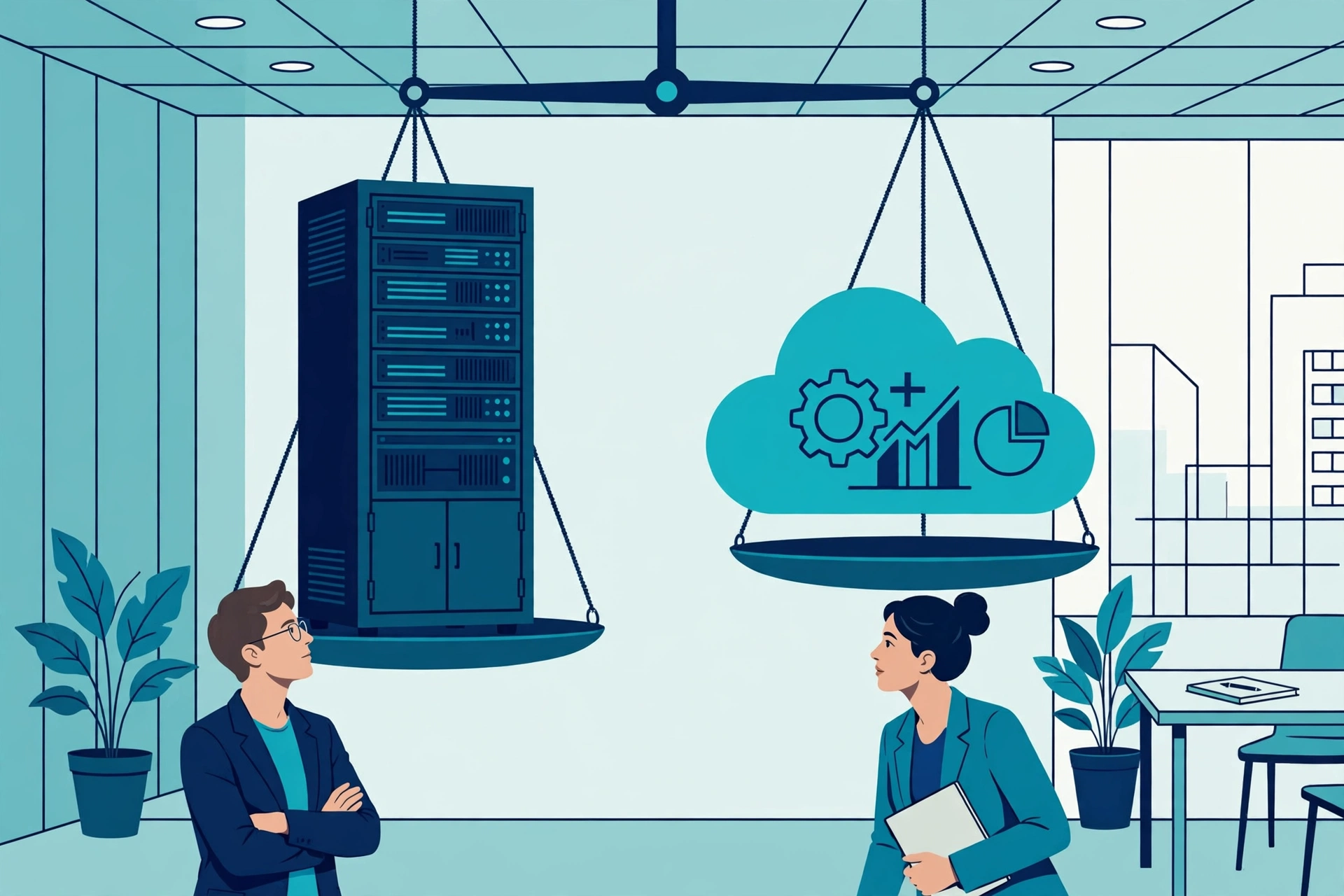
The honest answer to the cloud ERP vs on-premise ERP question is that it depends — but it depends on factors you can evaluate systematically. Work through the questions below.
Choose Cloud ERP If…
- You want a cost-effective, fast path to a modern ERP with minimal upfront investment.
- Your teams are distributed or remote and need reliable access from anywhere.
- You prefer predictable operating expenses over large capital projects.
- You want continuous innovation — especially AI-powered features — without upgrade projects.
- Your processes fit well within industry best practices rather than requiring deep customization.
- You are a growing business that needs to scale users and entities up or down flexibly.
- Your IT team is small and you would rather they focus on strategy than servers.
Choose On-Premise ERP If…
- You operate in a regulated industry (defense, government, certain healthcare or financial services) with strict data-residency or sovereignty requirements.
- Your competitive advantage depends on deeply customized workflows that standardized cloud processes cannot support.
- You have a strong in-house IT team capable of running enterprise infrastructure securely.
- You have made major existing investments in on-premise systems and integrations with a long remaining life.
- You operate where internet connectivity is unreliable and offline operation is non-negotiable.
- You want full control over upgrade timing and are disciplined enough to maintain regular upgrade cycles.
The Decision Framework
Beyond those checklists, structure your decision around four questions:
- How different are our processes? If your processes closely follow industry norms, cloud standardization is a feature, not a bug. If they are genuinely unique and defensible, on-premise customization has real value.
- What does our IT organization look like? Be honest about whether you can staff and sustain enterprise-grade infrastructure security around the clock.
- What is our time horizon? Cloud typically wins on 3–7 year total cost and speed; very long-horizon, stable operations can favor on-premise math.
- What do our regulators require? Compliance is not optional. If the law says your data stays in-country under your control, the decision is already made.
Hybrid ERP: The Best of Both Worlds?
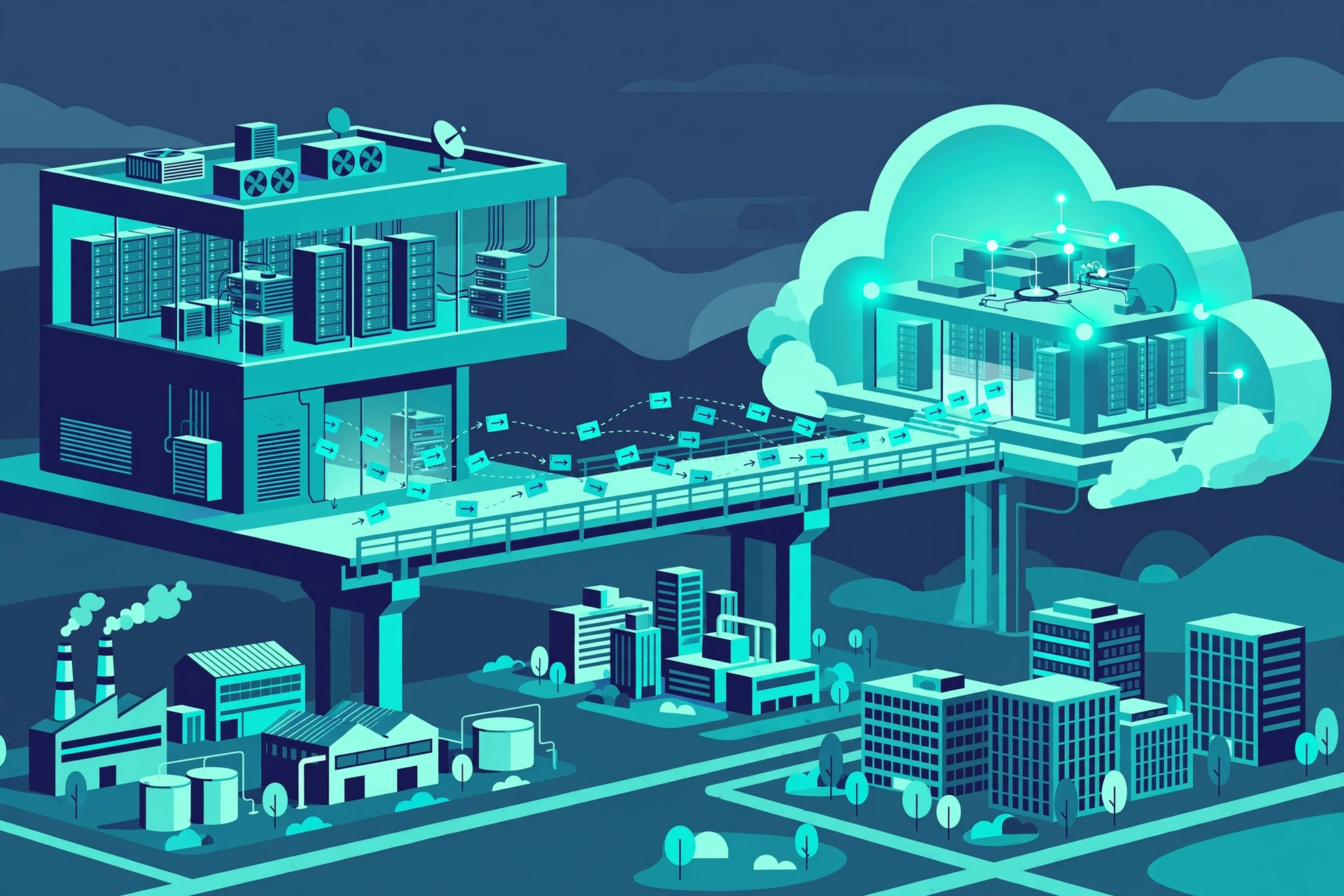
Increasingly, businesses are refusing to choose. Hybrid ERP — sometimes called two-tier ERP — combines cloud and on-premise deployments: a company might run its core financials on a cloud ERP for agility and global access, while keeping manufacturing execution or specialized legacy systems on-premise where deep customization and real-time shop-floor control matter most.
The hybrid approach makes particular sense for large enterprises with a mix of needs: headquarters and subsidiaries on standardized cloud processes, factories or regulated divisions on tailored on-premise systems, all connected through integration layers and APIs. It lets you modernize incrementally instead of betting everything on a single big-bang migration.
The catch is integration complexity. A hybrid landscape is two (or more) systems to govern, secure, and keep in sync. Integration platforms, master data management, and clear ownership become critical. For most mid-sized businesses with relatively uniform needs, a single deployment model — usually cloud — is simpler and cheaper. Hybrid earns its complexity only when different parts of the business genuinely have different requirements.
Cloud ERP and AI: What Is Changing in 2026
One factor tilting the cloud ERP vs on-premise ERP decision in 2026 is artificial intelligence. ERP vendors are embedding AI across their platforms at a remarkable pace, and they are shipping these capabilities to cloud products first:
- Autonomous processes: AI-enabled ERP systems monitor workflows, detect exceptions, and act automatically — adjusting production schedules when demand shifts, triggering procurement when inventory is at risk, and resolving routine exceptions without human intervention.
- Predictive and prescriptive analytics: Demand forecasting, cash-flow prediction, capacity planning, and inventory optimization are moving from periodic reports to real-time, AI-driven guidance embedded directly in daily workflows.
- Conversational interfaces: Natural-language assistants let users ask questions, generate reports, and complete transactions by typing or speaking, lowering the training burden for new users.
- Intelligent document processing: Invoices, purchase orders, and receipts are read and entered automatically, cutting manual data entry and errors.
- Anomaly detection: Machine learning flags unusual financial transactions, supply chain disruptions, and quality issues before they become expensive problems.
For manufacturers, the convergence of AI-powered ERP with IoT sensors and smart-factory data is turning the ERP into a central nervous system connecting planning and execution in real time. These innovations reach on-premise systems too — but typically later, through scheduled upgrade cycles. If staying at the frontier of AI-driven automation matters to your strategy, that alone may settle the deployment question in favor of cloud.
Maximizing Your ERP Investment, Whichever Model You Choose
The deployment model is only half the battle. Decades of ERP project experience point to the same success factors regardless of cloud or on-premise:
- Define success metrics before you shop. Know which numbers need to move — inventory turnover, days sales outstanding, order accuracy, production uptime — and evaluate vendors against them.
- Prioritize adoption over customization. The highest returns come from using the system as designed. Resist rebuilding old, inefficient processes in new software.
- Budget for change management. Allocate 15–20% of the project budget to training, communication, and support. The software is the easy part; getting people to change how they work is the hard part.
- Clean your data first. Migrating messy data into a new ERP just gives you messy data faster. Treat data cleansing as a first-class project phase.
- Consider a phased rollout. Start with core financials, prove value, then expand into supply chain, manufacturing, and HR. Phased delivery reduces risk and builds momentum.
- Assign executive ownership. ERP transformations that lack a committed executive sponsor drift. The ones with one get the hard decisions made.
Conclusion
The cloud ERP vs on-premise ERP comparison does not have a universal winner — but it does have a clear trend. In 2026, cloud ERP is the default choice for most businesses: lower upfront costs, faster deployment, automatic updates, anywhere access, and first access to AI innovation make it the pragmatic pick for growing companies that fit within industry best practices. The data reflects this, with the large majority of new ERP deployments landing in the cloud.
On-premise ERP remains the right answer where it has always been: regulated environments demanding full data control, businesses whose unique processes are a genuine competitive advantage, and operations that cannot depend on internet connectivity. For these organizations, the control and customization depth of on-premise systems justify the higher upfront cost and ongoing IT burden.
And for large, complex enterprises, the hybrid model offers a way to have both — cloud agility where standardization works, on-premise control where it does not.
Whichever path you choose, remember that the deployment model is a means, not the end. The goal is a single, reliable source of truth that helps your people make better decisions faster. Pick the model that fits your processes, your people, and your plans — execute the implementation with discipline — and your ERP will pay for itself many times over.
Frequently Asked Questions
Is cloud ERP cheaper than on-premise ERP?
Cloud ERP is almost always cheaper upfront, because you pay a subscription instead of buying licenses and hardware. Over the first 5–7 years, cloud typically also wins on total cost of ownership with predictable operating expenses. Over very long horizons (a decade or more), on-premise can become cheaper once the initial investment is amortized. The crossover point depends on your user count, customization needs, and upgrade discipline.
Is cloud ERP secure enough for sensitive business data?
For most businesses, yes — often more secure than what they could build themselves. Leading cloud ERP vendors maintain dedicated security teams, advanced encryption, continuous monitoring, and compliance certifications such as SOC 2 and ISO 27001. The shared-responsibility model means you still own access management and data governance, so invest in strong identity controls and user training.
Can you customize cloud ERP?
Yes, but within limits. Cloud ERP platforms support extensive configuration — custom fields, workflows, reports, and dashboards — plus low-code extensions, APIs, and app marketplaces. What they generally do not allow is deep code-level modification of the core application, which is where on-premise systems retain an advantage.
What is hybrid ERP?
Hybrid (or two-tier) ERP combines cloud and on-premise deployments — for example, running corporate financials in the cloud while keeping factory systems on-premise. It suits large enterprises with genuinely different needs across divisions, but it adds integration and governance complexity, so it is usually overkill for mid-sized businesses with uniform requirements.
How long does ERP implementation take?
Cloud ERP implementations typically take 3–9 months for standard configurations; on-premise projects usually run 9–24 months or longer, especially with heavy customization. Phased rollouts — starting with financials and expanding from there — reduce risk and deliver value sooner in both models.