
A server rack hums in a data center at 2 a.m. A security camera shows nothing unusual. Then, quietly, ransomware begins encrypting your company’s files — including the backups on the same network. By morning, your business is locked out of everything. This is not a rare nightmare scenario: industry surveys in 2026 report that nearly 70% of organizations have been impacted by ransomware, and only about a quarter of victims fully recover their affected data. The difference between companies that survive and those that fold often comes down to one thing: a well-designed cloud disaster recovery plan.
Cloud disaster recovery plan best practices have become a core business skill, not just an IT checklist. Whether you run a five-person startup or a mid-size enterprise, knowing how to protect your data, define recovery objectives, choose the right strategy, and test your plan can save your business from catastrophic downtime. In this complete 2026 guide, you will learn what cloud disaster recovery is, how to set recovery objectives, which strategies fit your needs, the exact best practices professionals follow, how to guard against ransomware, and how to keep your plan working as your business grows.
What Is a Cloud Disaster Recovery Plan?
A disaster recovery (DR) plan is a documented strategy that explains how your organization will restore IT systems, data, and operations after a disruptive event. A cloud disaster recovery plan uses cloud infrastructure — remote data centers, automated backup services, and orchestration tools — as the backbone of that recovery capability.
Disasters in this context are not only earthquakes and floods. In 2026, the events that most commonly knock businesses offline are far more mundane:
- Ransomware and cyberattacks — attackers increasingly target backup repositories first, precisely because they know destroying recovery options forces victims to pay.
- Cloud region or provider outages — even major providers experience regional incidents; relying on a single region with no failover plan is a single point of failure.
- Accidental deletion or misconfiguration — a mistyped command or a bad deployment can corrupt production data in seconds.
- Hardware failure — disks fail, power supplies die, and on-premises equipment ages.
- Human error and insider threats — well-meaning employees can overwrite critical files; disgruntled insiders can do worse.
- Natural disasters — fires, floods, and storms can take an office or local data center offline without warning.
The cloud changes disaster recovery economics fundamentally. Before cloud computing, a credible DR setup required a second physical data center — an enormous capital expense most small and mid-size businesses could never justify. Cloud-based recovery rents that second location on demand: you pay for storage continuously but only spin up compute resources when disaster strikes. Analysts estimate the cloud disaster recovery solutions market at roughly USD 5.8 billion in 2026, growing toward USD 14.7 billion by 2033, driven by rising cyberattacks, compliance pressure, and the shift to remote work.
Backup vs. Disaster Recovery: Know the Difference
Many businesses confuse backups with disaster recovery. A backup is a copy of your data. Disaster recovery is the tested ability to restore your entire operation — data, applications, networks, security configurations, and user access — within an acceptable time. A backup that has never been restored is an assumption, not a guarantee. Industry professionals put it bluntly: cloud disaster recovery plan best practices start with understanding that having backups is necessary but not sufficient.
Defining Your Recovery Objectives: RTO and RPO
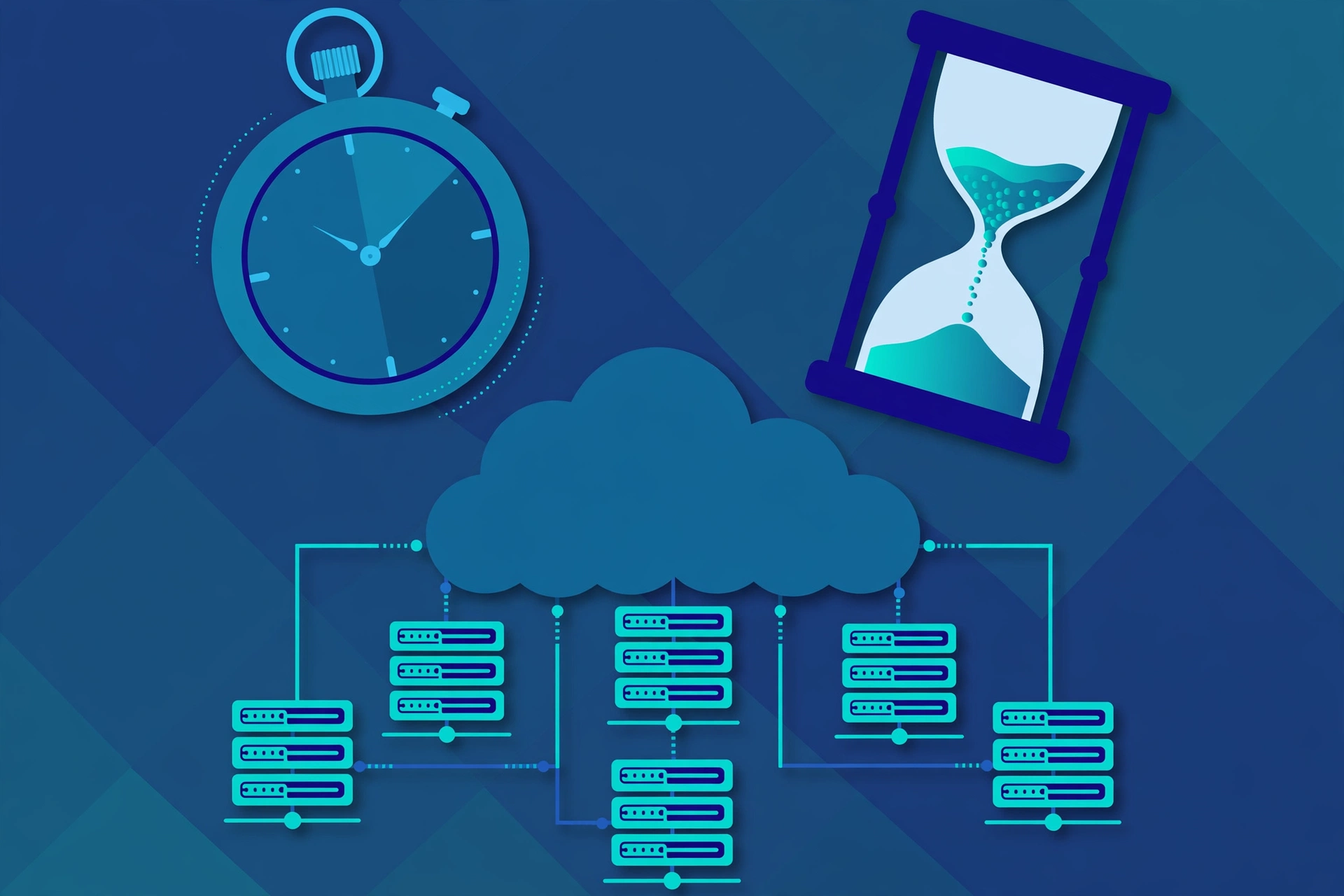
Two numbers form the foundation of every disaster recovery plan. Getting them right determines your strategy, your tooling, and your budget.
Recovery Time Objective (RTO)
RTO is the maximum amount of time your business can tolerate being down after a disaster. For many small businesses, the honest answer is somewhere between 4 and 24 hours. For an e-commerce store during peak season, it might be minutes. An RTO of 4 hours means your systems must be fully operational within 4 hours of the disaster being declared — which dictates how fast your team must detect the incident, decide to fail over, and execute recovery.
Recovery Point Objective (RPO)
RPO is the maximum amount of data your business can afford to lose, measured in time. An RPO of 1 hour means you need backups or replication running at least every 60 minutes. An RPO of 24 hours means you can tolerate losing a day’s worth of data. The tighter your RPO, the more continuous — and expensive — your data protection must be.
Key best practices for setting RTO and RPO:
- Set targets per workload, not per organization. A single RTO/RPO for your entire environment is a policy document, not an operational plan. Your customer database deserves tighter objectives than your internal test environment.
- Tier your applications by business impact. Classify workloads into tiers (critical, important, non-critical) based on revenue impact, customer obligations, and regulatory requirements.
- Negotiate with business owners. IT cannot set these numbers alone. Department heads and executives must own the trade-off between recovery speed and cost.
- Reassess after every major change. A new SaaS deployment, a database migration, or a surge in transaction volume can make previously acceptable objectives dangerously inadequate overnight.
- Include SaaS in your RPO discipline. Most organizations protect on-premises and cloud infrastructure carefully but treat SaaS applications like Microsoft 365, Google Workspace, and Salesforce as self-protecting. Under the shared responsibility model, your SaaS data is your responsibility to back up.
The 3-2-1-1 Backup Rule: Your First Line of Defense
The most widely recommended data protection architecture in 2026 is the 3-2-1-1 rule, an evolution of the classic 3-2-1 rule designed for the ransomware era:
- 3 copies of your data — production plus two backups.
- 2 different media types — for example, cloud object storage plus a different cloud provider’s storage, or cloud storage plus a physical disk.
- 1 copy offsite — geographically separated from your primary infrastructure, so a regional outage or local disaster cannot take everything.
- 1 copy immutable — a backup that cannot be modified or deleted by anyone, not even an administrator with full access.
The immutable copy is the non-negotiable addition for 2026. Attackers now routinely compromise systems and encrypt or delete backups before demanding ransom. An immutable backup stored on separate infrastructure with separate credentials is your last line of defense. Some practitioners extend the rule further with a “3-2-1-1-0” formulation, where the zero stands for zero errors — every backup verified free of corruption.
A sobering reality check from the field: most small businesses run, at best, a single automated backup on the same provider as their production environment. That is effectively a 1-1-0-0 strategy — it protects against accidental deletion and against nothing else. Moving from 1-1-0-0 to 3-2-1-1 is the single highest-value step in any cloud disaster recovery plan.
Encryption and Access Control for Backups
Backup copies must be encrypted both in transit and at rest, using keys managed independently from production credentials. Access to backup repositories should follow the principle of least privilege, with multi-factor authentication required and a separate set of administrative credentials from your day-to-day environment. If an attacker steals your production admin credentials, they should not automatically gain the ability to delete your backups.
Four Cloud Disaster Recovery Strategies Compared
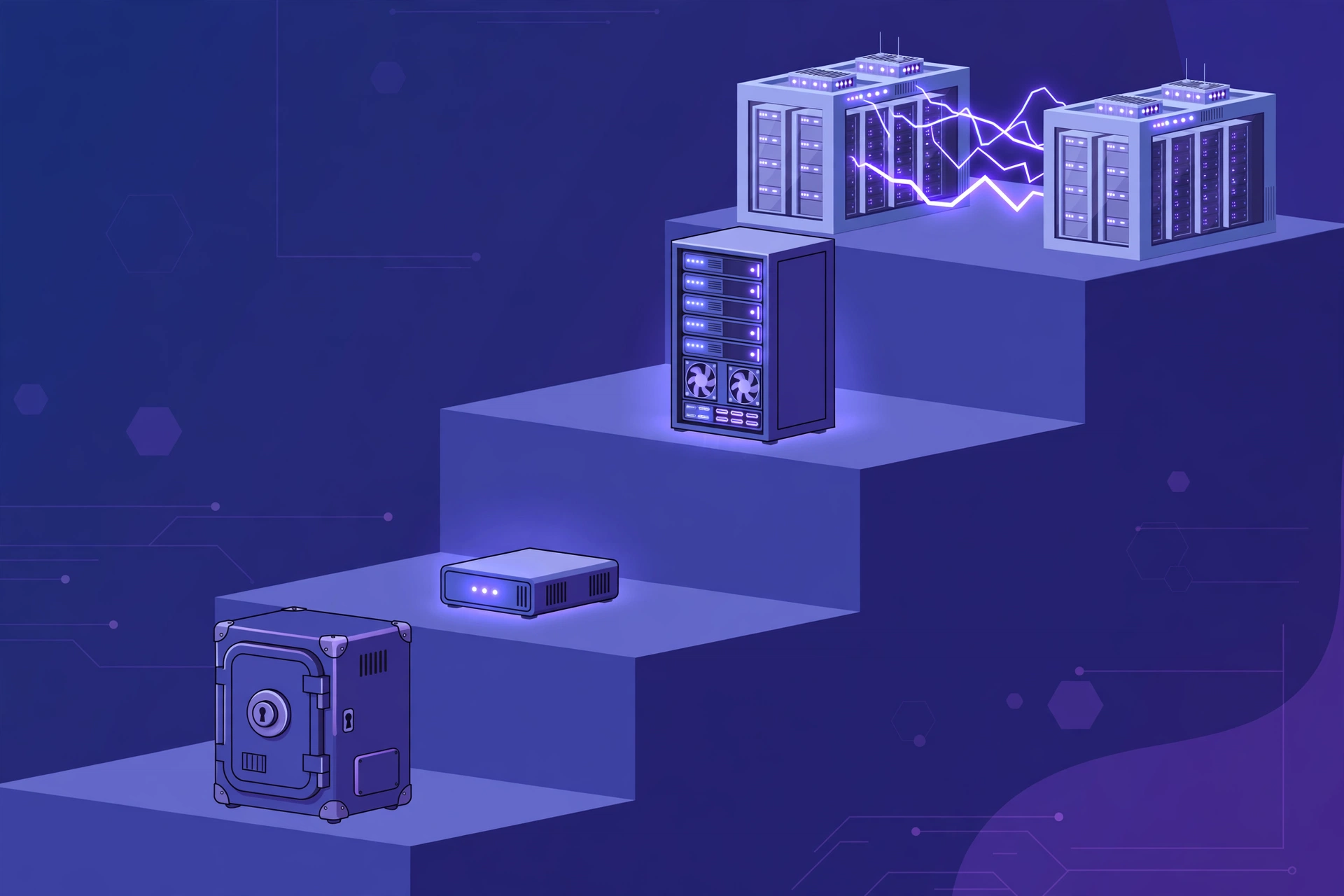
Cloud disaster recovery plan best practices require choosing a strategy that matches your RTO/RPO targets and budget. There are four standard strategies, each with distinct recovery speeds and costs.
1. Backup and Restore
The simplest approach: maintain regular automated backups in a separate location. When disaster strikes, you provision new cloud infrastructure and restore from the most recent backup. Typical RTO is 12–24 hours; RPO depends on backup frequency (usually 1–24 hours). Cost is the lowest of all strategies — often tens to a couple hundred dollars per month for a small business. This is the minimum viable DR plan every business should have. Best for non-critical workloads and tight budgets.
2. Pilot Light
Keep a minimal replica of your core infrastructure running in a second location or region. The database replicates continuously, but application servers stay powered off. When disaster strikes, you start the application servers and redirect traffic. Typical RTO is 2–4 hours with an RPO of minutes. Cost is moderate. Many professionals call this the sweet spot for small businesses with meaningful revenue: dramatically faster recovery than backup-and-restore without paying for a full duplicate environment.
3. Warm Standby
A scaled-down but fully functional copy of your production environment runs continuously in the recovery region — perhaps 30% of normal capacity — and auto-scales to 100% on failover. Typical RTO is minutes with an RPO of seconds to minutes. Cost is higher because you pay for always-on infrastructure, but recovery is fast and well-tested. Best for business-critical applications where downtime is expensive.
4. Multi-Site Active-Active
Two or more full environments serve live traffic simultaneously behind a global load balancer or DNS-based routing. If one site fails, the other absorbs its load automatically. RPO and RTO approach zero. Cost and complexity are the highest — typically justified only for mission-critical systems that require zero downtime. Best for financial platforms, major SaaS providers, and large e-commerce operations.
A practical tip repeated across the industry: start with backup and restore, then evolve toward higher tiers as business requirements and revenue grow. Matching strategy to actual business impact is one of the core cloud disaster recovery plan best practices — not every application needs a multi-site active-active deployment.
Ransomware Resilience: Designing for the Modern Threat
Ransomware deserves its own section because it is the dominant disaster scenario of 2026. Industry data shows that ransomware groups now specifically hunt backup repositories, misconfigured storage, and cloud management consoles. A cloud disaster recovery plan that ignores ransomware is incomplete. The essential protections:
- Immutable and air-gapped copies. As established by the 3-2-1-1 rule, at least one backup copy must be beyond the reach of any compromised credential. Air-gapped copies — physically or logically disconnected from the network — add another layer.
- Separate credentials and MFA everywhere. Backup infrastructure must live behind different accounts and different authentication than production. No shared passwords, no single sign-on that a compromised session can bridge.
- Clean-room recovery. Restoring malware-infected systems to the same network just re-infects everything. Modern DR tooling supports isolated “clean rooms” — segmented recovery environments where restored systems are scanned and validated before rejoining production.
- Offline runbooks. If your recovery documentation lives on the systems that were encrypted, you cannot read it when you need it most. Keep printed or separately hosted copies of runbooks, credential vaults, and vendor contact lists.
- Early detection. Automated anomaly detection on backup jobs can flag the early signs of ransomware — sudden encryption-rate changes, mass file modifications — before the attack completes.
The data is stark: industry reports from 2026 indicate that roughly two-thirds of organizations hit by ransomware were impacted, yet fewer than 30% of victims fully recovered their affected data. Those that recovered successfully almost always had immutable, tested backups.
Testing Your Cloud Disaster Recovery Plan
An untested DR plan is a document, not a capability. One of the most consistent findings across 2026 industry guidance is that organizations should test recovery, not just backup. A backup job that completes without errors proves nothing until you have actually restored from it.
Types of DR Testing
- Tabletop exercises. The team walks through the plan on paper or whiteboard, discussing roles, decisions, and communication. Cheap and effective for finding gaps in documentation.
- Failover drills. Actually restore systems in an isolated environment and measure how long full recovery takes. Compare the measured RTO against your target.
- Game days and chaos engineering. Deliberately inject failures (kill a database replica, simulate a region outage) and practice the response under realistic pressure.
- Restore sampling. Regularly restore random files, databases, or virtual machines from different backup jobs — not just the most recent one.
- Ransomware scenario tests. Simulate a compromised credential scenario: can you recover if your production admin credentials are burned and your primary backups are suspect?
Testing cadence matters. Quarterly testing is now the standard that many cyber insurers expect, and several frameworks treat regular validated testing as evidence of due diligence. After every test, run a post-mortem: what took longer than expected, which runbook steps were unclear, and what breaks the next time you migrate a platform? Then update the plan. A DR plan that is not revised after each test or infrastructure change decays into fiction.
What to Measure During Tests
- Actual time to restore versus target RTO
- Actual data loss window versus target RPO
- Which dependencies were missing (DNS records, certificates, firewall rules, identity providers)
- Whether runbook steps were accurate and complete
- Communication effectiveness — did the right people get notified in the right order?

Automating Your Disaster Recovery
Manual recovery is slow recovery. Every manual step in a DR plan adds risk and inflates RTO, because stressed humans make mistakes under pressure. Automation is one of the cloud disaster recovery plan best practices that pays dividends immediately:
- Infrastructure as Code (IaC). Define your recovery infrastructure in Terraform, CloudFormation, or equivalent templates. Rebuilding a network, security groups, and server fleets from code takes minutes and eliminates configuration drift.
- Automated failover orchestration. DR platforms can detect failures via health checks and trigger failover automatically or with one-click approval, rather than relying on engineers to run commands from memory.
- Automated backup verification. Use tools that automatically validate each backup’s integrity — confirming data is actually recoverable, not merely that the backup job finished without an error code. Silent backup failures are among the most common reasons organizations miss their RPO during real incidents.
- AI-assisted recovery operations. A growing share of organizations — industry analyses put it near 60% in 2026 — are adding AI-driven automation to DR: anomaly detection on recovery metrics, predictive capacity planning for failover targets, and guided runbook execution.
- Monitoring and alerting. Set up health checks and automated alerts on both production and recovery infrastructure so failures are detected in seconds, not when a customer complains.
Building Your Plan: A Step-by-Step Framework
Ready to build or rebuild your cloud disaster recovery plan? Follow this framework, drawn from professional best practices:
Step 1: Identify and Classify Workloads
Inventory every system, application, and data store. Classify each by business impact: what revenue, compliance obligations, or customer commitments depend on it? This classification drives everything downstream.
Step 2: Define RTO and RPO Per Tier
Assign recovery objectives to each tier with business-owner sign-off. Document the cost implications of tighter objectives so the trade-offs are explicit.
Step 3: Map Dependencies
Document every dependency: DNS records, TLS certificates, identity providers, third-party APIs, message queues, caches, and network rules. Most failed recoveries are not data problems — they are forgotten dependencies.
Step 4: Choose a Strategy Per Tier
Match each workload tier to the appropriate strategy: backup-and-restore for non-critical systems, pilot light or warm standby for business-critical workloads, multi-site active-active only where genuinely justified.
Step 5: Implement the 3-2-1-1 Rule
Configure automated backups across media types and locations, with at least one immutable copy on separate credentials. Verify encryption in transit and at rest.
Step 6: Write the Runbooks
Document step-by-step recovery procedures for every scenario: ransomware, region outage, accidental deletion, provider compromise. Include contact lists, escalation paths, credential locations, and rollback steps. Store copies offline.
Step 7: Automate What You Can
Codify infrastructure with IaC, automate backup verification, and configure monitoring and alerts for both production and recovery environments.
Step 8: Test, Measure, and Update
Run tabletop exercises and failover drills, measure actual RTO/RPO against targets, hold post-mortems, and update the plan. Schedule the next test before closing the post-mortem.
Cloud Disaster Recovery Costs: What to Budget
Costs scale with your chosen strategy. As a rough 2026 guide for a small-to-mid-size business:
- Backup and restore: roughly $50–200/month — backup storage plus occasional compute for restores.
- Pilot light: roughly $200–500/month — continuous storage and replication plus a minimal always-on footprint.
- Warm standby: higher, scaling with the fraction of production capacity you keep running.
- Multi-site active-active: essentially double your production infrastructure cost, plus global networking.
Do not forget the hidden costs: testing time, cross-region data transfer fees, immutable storage premiums, and DR platform licensing. Conversely, do not ignore the cost of not having a plan: with global average data breach costs reported around USD 4.4 million in 2025 and median ransom payments reported near USD 769,000 in early 2026 surveys, even a modest DR investment pays for itself many times over if it prevents a single major incident.
FinOps practices apply here too: tag DR resources, set budget alerts on the recovery region, and right-size warm standby capacity with auto-scaling rather than fixed over-provisioning.
Common Mistakes to Avoid
- Protecting production but forgetting SaaS. Microsoft 365, Google Workspace, and Salesforce data needs explicit backup and defined recovery objectives.
- Testing backups, not recovery. A successful backup job is not proof of recoverability. Restore regularly.
- Keeping all copies in one account or region. A provider-region outage or a compromised admin credential can destroy every copy at once.
- Documenting the plan where it can be encrypted. Recovery documentation on production systems is unavailable exactly when needed.
- Skipping the post-test update. Every test reveals gaps; if the plan is not updated, the same gaps will bite you in a real disaster.
- Over-provisioning “just in case.” Multi-site active-active for everything is the most expensive mistake — align strategy with business impact.
- Treating DR as a one-time project. Every platform change, migration, or major deployment must trigger a plan review.
Conclusion
Cloud disaster recovery plan best practices boil down to a disciplined cycle: define recovery objectives per workload, protect data with the 3-2-1-1 rule, choose a strategy matched to business impact, design for ransomware from the start, automate relentlessly, and test recovery — not just backups — on a regular schedule. The cloud has made enterprise-grade disaster recovery affordable for businesses of every size; there is no longer a budget excuse for a 1-1-0-0 strategy.
Start this week: classify your two most critical workloads, write down honest RTO and RPO numbers with your team, and verify that at least one backup copy sits outside the reach of your production credentials. Then schedule your first failover drill for this quarter. The businesses that survive disasters are not the luckiest ones — they are the ones whose plans have been tested, updated, and proven before the disaster arrives.