
How End-to-End Encrypted File Sharing Works: The Complete Guide to Private Sharing (2026)
Sending a file to someone should be simple — drag, drop, done. But behind every shared file sits an uncomfortable question: who else can read it? Cloud providers, hackers who breach a data center, a curious employee, or a government with a subpoena can all potentially access files stored on a server. End-to-end encrypted file sharing exists to close that gap. When sharing is truly end-to-end encrypted, your files are scrambled on your own device before they ever leave it, and only the intended recipient holds the key to unscramble them — nobody in the middle can read them, including the service you used to share them.
This guide explains how end-to-end encrypted file sharing works in plain language. You will learn what the technology actually does, how keys are exchanged between sender and recipient, where it differs from ordinary cloud storage encryption, which kinds of tools offer it, and how to pick a service you can trust. By the end, you will understand exactly what is happening under the hood every time you send an end-to-end encrypted file.

What Is End-to-End Encrypted File Sharing?
End-to-end encrypted file sharing (often abbreviated E2EE file sharing) is a way of sending files in which encryption happens on the sender’s device and decryption happens only on the recipient’s device. The “ends” of the phrase refer to those two endpoints. Everything in between — the servers that store or relay the file, the network carrying it, the company operating the service — handles only scrambled data it cannot read.
To understand why this matters, compare it with what most mainstream cloud services do. When you upload a file to a typical cloud drive, the connection between your computer and the server is protected with TLS (the same padlock encryption used on websites), and the provider encrypts the file when it is stored on disk, usually with AES-256. That sounds strong, and it protects against some threats. But the service holds the encryption keys. That means the provider — or anyone who compromises, subpoenas, or legally compels the provider — can unlock and read your files.
End-to-end encryption flips that arrangement. The key is generated and kept on your device, never sent to the provider. Even if attackers breach the service’s servers completely, they find only ciphertext: unreadable scrambled data. The service is mathematically locked out of your files.
End-to-End Encryption vs. Encryption in Transit and at Rest
Confusingly, many services advertise “encryption” without offering end-to-end protection. Here is how the three layers differ:
- Encryption in transit (TLS): protects the file while it travels between your device and the server. Anyone eavesdropping on the network sees only scrambled traffic. Once the file arrives at the server, it is decrypted there.
- Encryption at rest: protects the file while stored on the provider’s disks, typically with AES-256. This defeats someone who physically steals a hard drive, but the provider keeps the keys and can decrypt whenever it chooses.
- End-to-end encryption: encrypts the file on your device and keeps it encrypted everywhere until the recipient’s device decrypts it. Neither transit encryption nor the provider’s at-rest encryption gives the provider the ability to read the contents.
Standard cloud drives usually provide the first two layers. True end-to-end encrypted file sharing adds the third, removing the provider from the trust equation entirely.
Zero-Knowledge: The Privacy Promise
You will often see the term “zero-knowledge” alongside end-to-end encrypted services. It means the provider has zero knowledge of your file contents — and usually of your passwords too. In a well-designed system, even your login password is never sent to the server in plain form; instead, your password is used on your device to derive or unlock the encryption keys. If the provider’s entire infrastructure were handed to an attacker tomorrow, your files would remain unreadable without your password.
Zero-knowledge is a stronger claim than end-to-end encryption alone, but in practice the two go together: real E2EE file sharing is effectively zero-knowledge for file contents, because the keys never leave your control.
How End-to-End Encrypted File Sharing Works: Step by Step
Under the hood, end-to-end encrypted file sharing relies on the same public-key cryptography that secures modern messaging apps, adapted to files that may be gigabytes in size. Here is the process, simplified:
Step 1: Key generation on your device
When you create an account or set up the service, the app generates a pair of cryptographic keys on your device: a public key (which can be shared freely) and a private key (which never leaves your device). Many services derive these from your account password using a key-stretching function, so the keys are recreated when you log in on a new device. The private key is the crown jewel: anyone who holds it can read your files.
Step 2: Client-side encryption before upload
When you choose to share a file, the app first encrypts it locally with a fast symmetric cipher, usually AES-256, using a randomly generated file key unique to that file. This step happens entirely on your computer or phone. The original plaintext file never travels anywhere. What gets uploaded to the server is ciphertext plus metadata such as the file name and size (some services encrypt metadata too, but the file name and size are frequently visible to the server for operational reasons).
Step 3: Wrapping the file key for the recipient
The recipient needs the file key to decrypt the file — but it cannot be sent in the open. Instead, the sender’s app wraps (encrypts) the file key with the recipient’s public key. Because only the recipient’s private key can unwrap it, the wrapped key can safely travel through the provider’s servers. This is the same public-key mechanism used in encrypted email and messaging, and it is what makes end-to-end encryption possible between people who have never met in person.
Step 4: Secure transfer and storage
The encrypted file blob and the wrapped key are uploaded to the provider’s infrastructure. Because everything is already ciphertext, the provider’s servers function as a dumb storage pipe. Breaching the server, intercepting the network traffic, or serving a legal order on the company reveals nothing readable.
Step 5: Decryption on the recipient’s device
The recipient downloads the encrypted blob, uses their private key to unwrap the file key, and decrypts the file locally. At no point did a readable copy exist anywhere outside the two endpoints’ devices. If the share is link-based rather than account-based, the service typically embeds the decryption key in the share link’s URL fragment — the part of the URL after the “#” symbol that browsers do not send to servers — so the key never reaches the provider even though it travels inside the link.
Large files do not break this scheme: the symmetric file key is tiny, so wrapping it with public-key cryptography stays cheap, while the bulk file data is encrypted with the fast symmetric cipher. That is why end-to-end encrypted services can handle multi-gigabyte files without the performance problems of encrypting huge payloads directly with public keys.
Why End-to-End Encrypted File Sharing Matters in 2026
The case for end-to-end encrypted file sharing rests on four practical realities of the modern internet:
- Data breaches keep happening. Cloud providers are high-value targets. With E2EE, a breach of the provider yields only ciphertext, dramatically reducing the damage and the ransom value of stolen data.
- Insider and legal access are real threats. A rogue employee or a lawful government request can compel a conventional provider to hand over readable files. With zero-knowledge architecture, the provider has nothing readable to hand over.
- Compliance demands it. Regulations such as GDPR and HIPAA, along with industry frameworks like SOC 2, increasingly push organizations toward architectures where providers cannot access sensitive content. Law firms, clinics, and financial services use end-to-end encrypted sharing to keep client and patient data defensible.
- AI and metadata harvesting raise the stakes. Providers that can read your files can also mine them — for advertising, for training machine-learning models, or for profiling. End-to-end encryption removes that possibility entirely.
None of this means ordinary encrypted cloud storage is useless; it protects against drive theft and casual eavesdropping. But if the file contains contracts, medical records, financial data, unreleased creative work, or anything you would not show the provider itself, end-to-end encrypted file sharing is the appropriate tool.
Types of End-to-End Encrypted File Sharing Tools
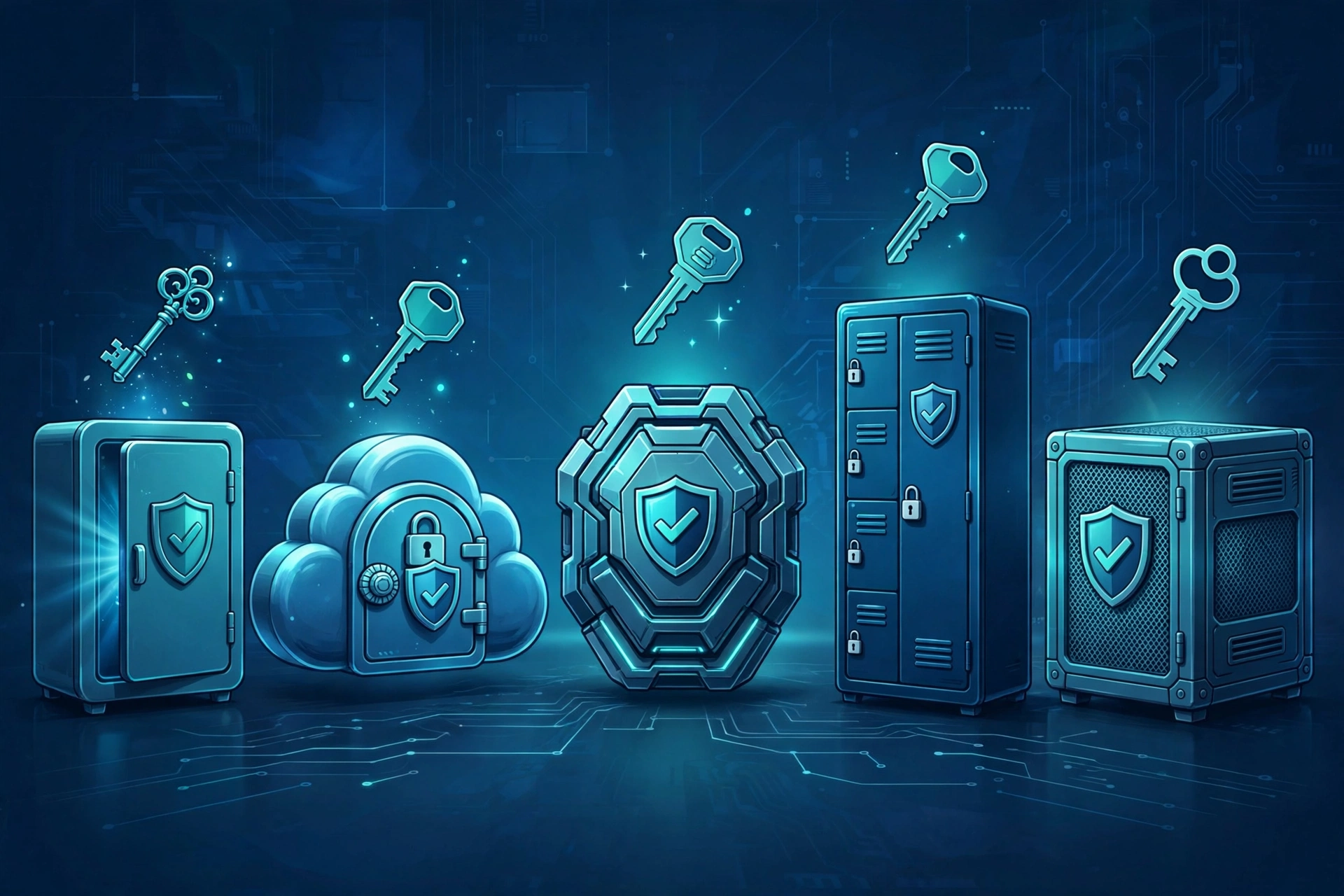
Not every service that offers end-to-end encrypted sharing works the same way. The main categories:
1. Encrypted cloud storage with sharing
Services such as Tresorit, Sync.com, Proton Drive, MEGA, and Internxt combine cloud storage with zero-knowledge sharing. You keep files in an encrypted vault and generate share links or invite collaborators. Sharing between account holders uses public-key wrapping; link shares typically embed the decryption key in the URL fragment so the provider never sees it. These are the best fit for ongoing collaboration where both sides may need persistent access.
2. One-time encrypted transfer services
Tools such as Bitwarden Send, NordLocker’s share links, and OnionShare handle the “send it once” case. Files are encrypted client-side and the link carries the key, often with expiration dates, download limits, and password protection layered on top. OnionShare goes further by routing the transfer over the Tor network with no server involved at all. These are ideal for sending a sensitive document to someone who will never use the service again.
3. Self-hosted and open-source options
Software such as ownCloud with end-to-end encryption plugins, Cryptomator (which adds a client-side encryption layer on top of any cloud drive), and Nextcloud give you full control of the infrastructure and keys. The trade-off is operational: you own the patching, backups, and availability. Self-hosting is safer only if you resource the operations honestly.
4. Enterprise file-sharing platforms
Products like ShareFile, Box (with KeySafe), Egnyte, and FileCloud target regulated industries with granular permissions, audit trails, e-signature, and compliance certifications layered over encrypted sharing. They cost more and require more setup, but they turn “email me the documents” into a defensible, auditable workflow for client-facing firms.
Key Features to Look for in an Encrypted File Sharing Service
When evaluating services, check for these capabilities:
- True client-side encryption. The service should state clearly that encryption happens on your device and that it cannot access your files. Vague “military-grade encryption” marketing without the phrase end-to-end or zero-knowledge is a red flag.
- Open-source clients or independent audits. Cryptography is hard to get right. Services whose apps are open source, or that publish third-party security audits, give you something to verify beyond marketing claims.
- Share-link controls. Password protection, expiration dates, and download limits on shared links close the two most common leak paths: forwarded links and forgotten shares.
- Granular permissions. Viewer, commenter, and editor roles — and the discipline to use “view-only” default — limit what each recipient can do with your files.
- Two-factor authentication. Your account should be protected by an authenticator app or hardware key, because end-to-end encryption is worthless if an attacker simply logs in as you.
- File versioning and recovery. Encrypted does not mean backed up. Version history protects against ransomware and accidental deletion.
- Compliance certifications. GDPR, HIPAA, SOC 2, and ISO 27001 certifications matter when you share regulated data professionally.
- Reasonable metadata handling. Ask what the provider can see: file names, sizes, access times, and IP addresses are metadata that even E2EE services typically log. Decide whether that is acceptable for your use case.
Common Pitfalls and Mistakes to Avoid
End-to-end encrypted file sharing is powerful, but it has sharp edges. The most common failures are human, not cryptographic:
- Sharing the link and the password together. If you email someone a share link and its password in the same message, anyone intercepting the email gets both. Send the password through a different channel — a messaging app, a phone call, or a password manager share.
- Forgetting that links live forever. A share link generated two years ago may still work. Set expiration dates when you create the link, and periodically audit and revoke old shares.
- Granting “anyone with the link can edit.” Default to view-only access and the most specific audience possible. Overly broad links that get forwarded are the classic breach scenario.
- Losing your password or recovery key. Zero-knowledge cuts both ways: if the provider cannot read your files, it also cannot recover them if you lose your credentials. Store your password in a reputable password manager and save the recovery key offline.
- Assuming screenshots and downloads are prevented. Most E2EE services protect data in transit and storage, not the recipient’s screen. A recipient can still screenshot or re-share what they legitimately received. Technical controls help, but choose recipients you trust.
- Ignoring endpoint security. End-to-end encryption protects the middle, not the ends. Malware on your device or the recipient’s device can read files before encryption or after decryption. Keep devices patched and use reputable antivirus software.
- Trusting marketing without verification. “Encrypted” is not the same as “end-to-end encrypted.” If a service will not clearly describe its key handling in a whitepaper or security page, assume the provider can read your files.
How to Choose the Right Service for Your Needs
Match the tool to the job:
- Personal privacy: Proton Drive, Internxt, or MEGA offer strong zero-knowledge encryption with usable free tiers. MEGA’s generous free storage and Internxt’s included post-quantum encryption are notable.
- Ongoing team collaboration: Tresorit or Sync.com combine zero-knowledge storage with team management, while Box and Egnyte add governance for larger organizations.
- Sending one large file securely: purpose-built transfer tools with password-protected, expiring links avoid the friction of making the recipient create an account.
- Maximum privacy for sensitive material: OnionShare routes transfers over Tor with no server in the loop, at the cost of speed and convenience.
- Regulated industries: Tresorit, ShareFile, or Egnyte-class platforms with HIPAA and SOC 2 compliance, audit trails, and admin controls.
- Full control: Cryptomator over your existing cloud drive, or a self-hosted Nextcloud/ownCloud, if you are willing to own the operations.
Before committing, run a small pilot: share realistically sized files with your actual collaborators for a few weeks. If nobody reaches for a workaround — emailing attachments, switching to a personal drive — you chose correctly. The most secure tool is the one people actually use.
End-to-End Encrypted File Sharing Best Practices: A Checklist
- Enable two-factor authentication on your sharing account before uploading anything sensitive.
- Encrypt especially sensitive files client-side (for example with Cryptomator) even when using an E2EE service, for defense in depth.
- Use password-protected share links with expiration dates for anything sent outside your organization.
- Default to view-only permissions; grant edit access only to trusted collaborators who need it.
- Send link passwords through a separate channel from the link itself.
- Audit shared links and collaborator access quarterly; revoke anything stale.
- Store your account password in a password manager and keep your recovery key somewhere safe and offline.
- Keep the 3-2-1 backup rule: three copies of critical files, on two different media, with one copy offsite.
- Verify a service’s end-to-end encryption claims via its security whitepaper or independent audit before trusting it with regulated data.
- Remember that encryption protects files in transit and storage — it does not stop a recipient from screenshotting or re-sharing what you sent them.
Conclusion
How end-to-end encrypted file sharing works comes down to one elegant idea: encrypt on your device, decrypt only on the recipient’s device, and let everything in between handle ciphertext it cannot read. Public-key cryptography makes the key exchange safe even between strangers, symmetric ciphers keep large files fast, and zero-knowledge architecture keeps providers — and anyone who compromises them — locked out of your data.
The technology is mature, the tools are plentiful, and the cost of getting sharing wrong keeps rising with every breach headline. Whether you are a freelancer sending client contracts, a clinic sharing patient records, or simply someone who believes their files are their own business, end-to-end encrypted file sharing gives you a way to share without surrendering privacy. Pick a verified service, follow the checklist above, and your next shared file will travel the internet as a locked box that only its recipient can open.
Frequently Asked Questions
Is end-to-end encrypted file sharing really unbreakable?
No encryption is literally unbreakable, but AES-256 and modern public-key cryptography are considered practically unbreakable with current technology — an attacker would need timescales longer than the age of the universe to brute-force a key. Real-world failures almost always come from weak passwords, phishing, malware on endpoints, or poor key handling, not from broken ciphers.
Does end-to-end encryption slow down file sharing?
Barely. Symmetric encryption of file data runs at gigabytes per second on modern devices, and only the tiny file key is handled with the slower public-key cryptography. In practice, your internet upload speed — not encryption — is the bottleneck.
Can I use end-to-end encrypted sharing with people who do not have an account?
Yes. Most services support link-based sharing where the decryption key travels in the URL fragment, which browsers never send to the server. Anyone with the link can decrypt the file in their browser without creating an account, while the provider still cannot read it.
What is the difference between end-to-end encrypted sharing and a VPN?
A VPN encrypts your connection to a VPN server, hiding traffic from your local network and ISP — but the VPN provider and the destination server can still see the data. End-to-end encrypted file sharing protects the file contents themselves, so even the storage provider cannot read them. They solve different problems and complement each other.