
Kubernetes has become the standard way the world’s software gets deployed, scaled, and managed. According to the Cloud Native Computing Foundation’s Annual Cloud Native Survey released in January 2026, 82% of organizations using containers now run Kubernetes in production, up from 66% just two years earlier, and Kubernetes has emerged as the de facto “operating system” for running artificial intelligence workloads at scale. Yet for all its popularity, Kubernetes remains famously intimidating to newcomers: a sprawling vocabulary of pods, nodes, clusters, and control planes that can make beginners feel locked out. This guide explains how Kubernetes works in plain, beginner-friendly language, walking you step by step through the problems it solves, the architecture that solves them, and how you can start using it yourself.
What Is Kubernetes, and Why Does It Exist?
Kubernetes (often shortened to K8s) is an open-source container orchestration platform originally developed by Google and now maintained by the Cloud Native Computing Foundation. To understand what “container orchestration” means, it helps to start one layer down, with containers themselves.
A container is a lightweight, portable package that bundles an application together with everything it needs to run: the code, runtime libraries, configuration files, and system tools. Because the container carries its own dependencies, it runs the same way on a developer’s laptop, a test server, and a production cloud environment. This consistency solved one of the oldest headaches in software development: the “it works on my machine” problem.
But containers created a new problem. When you have five or ten containers, you can manage them by hand. When you have hundreds or thousands spread across dozens of servers — each needing the right amount of CPU and memory, constant health monitoring, traffic routing, and updates without downtime — manual management becomes impossible. That is the problem Kubernetes solves. Container orchestration is the automation of scheduling, scaling, networking, healing, and updating containerized applications, and Kubernetes is the platform that does it.
Before Kubernetes, teams cobbled together shell scripts, cron jobs, and monitoring tools to keep containers alive. The approach was fragile: a server crashing at 3 a.m. meant someone got paged to restart things by hand. Kubernetes replaced that patchwork with a single, intelligent control plane that watches your applications around the clock and automatically keeps them in the desired state.
The Core Problem Kubernetes Solves
Imagine you run an online store. On a normal day, your website needs maybe four copies of your application running. During a flash sale, traffic surges tenfold and you suddenly need forty copies. When the sale ends, you need to shrink back down so you are not paying for idle servers. On top of that:
- Some servers will inevitably crash or need maintenance, and your application must keep running.
- When you release a new version, you need to update running containers without taking the store offline.
- Traffic must be balanced evenly across all running copies.
- If a copy becomes unhealthy — say it hangs or starts returning errors — it must be detected and replaced automatically.
- Your database password, API keys, and other secrets must reach the application securely.
Doing all of this manually at scale is what the industry calls an operational nightmare. Kubernetes turns each of these jobs into an automatic behavior you declare once and the system performs forever.

How Kubernetes Works: The Big Picture
The core idea behind how Kubernetes works is deceptively simple: you declare what you want, and Kubernetes figures out how to make it happen. This is called the declarative model, and it is the single most important concept for beginners to grasp.
Instead of issuing step-by-step commands like “start a container on server A, then another on server B, then check if they’re healthy,” you submit a description of your desired state: “I want three copies of my web application running, each with one CPU and one gigabyte of memory, and I want them reachable at this address.” Kubernetes then continuously compares the actual state of the system against your desired state and takes action to close any gap. If a copy crashes, Kubernetes starts a replacement. If traffic spikes and you asked for autoscaling, Kubernetes adds more copies. This self-healing loop never stops, and it is what gives Kubernetes-managed applications their famous resilience.
This reconciliation loop is sometimes called a control loop, and it is the heartbeat of the whole platform. Every controller in Kubernetes watches one kind of resource, compares reality to the desired specification, and acts to make them match.
The Analogy: A Tireless Orchestra Conductor
Think of Kubernetes as the conductor of an orchestra. The musicians (your containers) each play their part, but the conductor decides who plays when, notices when someone misses a note, and cues a replacement without stopping the performance. You, as the audience member, simply hear uninterrupted music. Similarly, users of your application experience no downtime even as containers crash, update, and move around behind the scenes.
Kubernetes Architecture Explained for Beginners
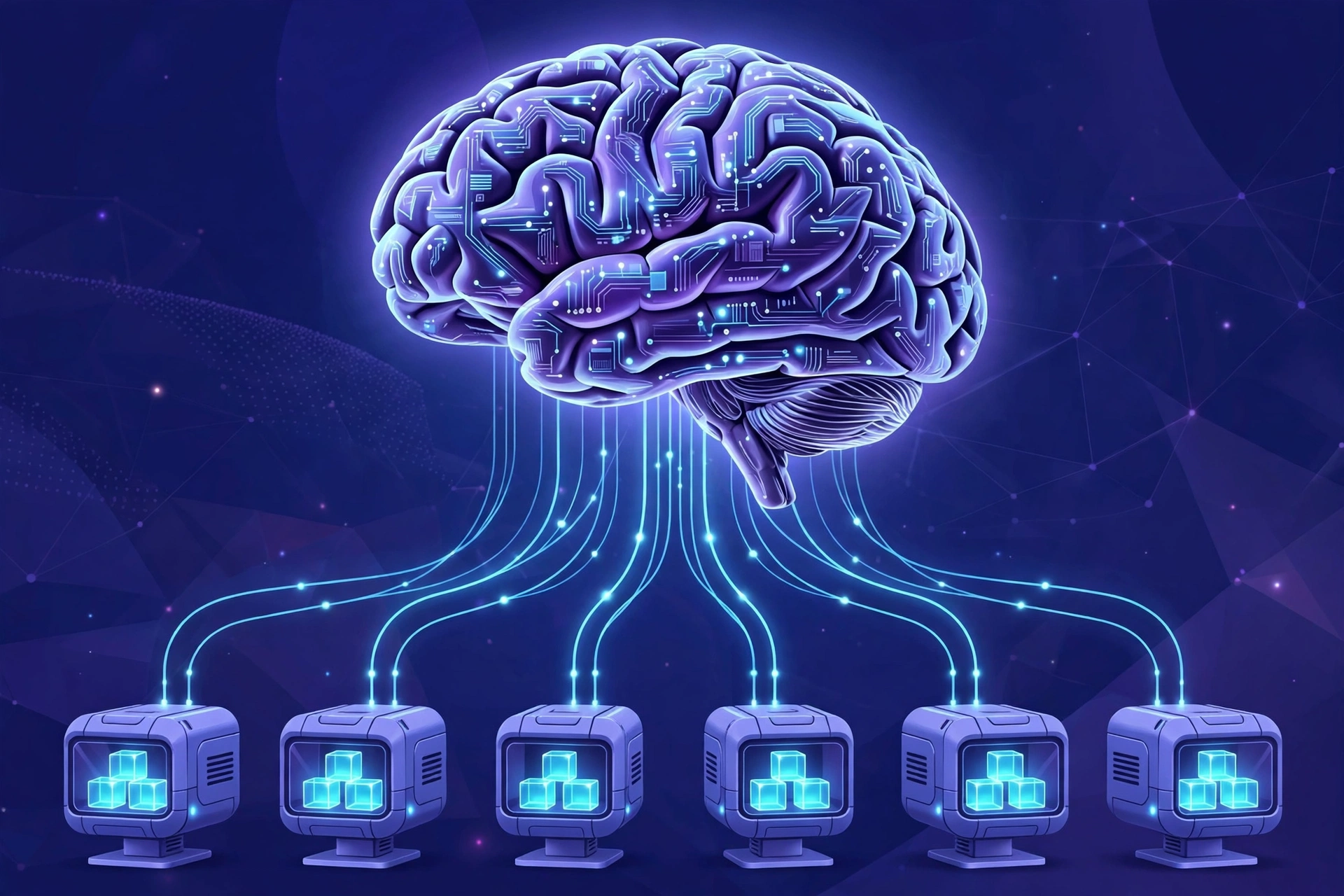
A Kubernetes installation is called a cluster. A cluster has two kinds of machines (or virtual machines): the control plane, which makes decisions, and worker nodes, which do the actual work of running your applications. Let’s look at each side.
The Control Plane: The Brain of the Cluster
The control plane is the set of components that manage the cluster. You never run your application here; this is the management office. Its components include:
- The API server: the front door of Kubernetes. Every interaction — from you, from tools, from the worker nodes — goes through the API server. It validates requests and stores their results.
- etcd: a highly reliable distributed key-value store that holds the entire desired state of the cluster. It is the single source of truth; every other component consults it.
- The scheduler: the component that decides which worker node should run each new workload, based on available CPU and memory, your rules about which workloads can share machines, and other constraints.
- The controller manager: runs the control loops described earlier — the node controller, the replication controller, and others — each constantly reconciling desired and actual state.
- The cloud controller manager: integrates Kubernetes with the underlying cloud provider, handling things like load balancers and storage volumes when you run on AWS, Azure, or Google Cloud.
Notably, if the control plane components restart, your running applications keep serving traffic. You lose the ability to make changes until the control plane recovers, but the existing workloads are unaffected.
Worker Nodes: Where Applications Run
Worker nodes are the machines that run your containers. Each node runs three essential pieces of software:
- kubelet: the agent that talks to the control plane, receives assignments, starts and stops containers, and reports the node’s health and status.
- Container runtime: the software that actually runs the containers (containerd is the most common today).
- kube-proxy: the networking component that routes traffic to the right containers on the node.
You can add more worker nodes to a cluster at any time to increase capacity, and remove them when you need less — Kubernetes will reschedule the workloads from drained nodes onto the remaining ones automatically.
The Building Blocks: Pods, Deployments, and Services
With the architecture clear, the next step is learning the vocabulary Kubernetes uses for your workloads. Three concepts — pods, deployments, and services — cover the vast majority of what beginners need.
Pods: The Smallest Deployable Unit
Kubernetes does not run containers directly; it wraps them in a structure called a pod. A pod is the smallest unit you can deploy in Kubernetes, and it usually contains a single container — for example, your web application. In special cases a pod can hold a couple of tightly related containers that need to share storage and networking, but one container per pod is the standard pattern.
Two properties of pods trip up beginners, so they are worth emphasizing. First, pods are ephemeral: they are created, destroyed, and replaced constantly. You should never treat a pod as a permanent, pet-like server; it is disposable by design. Second, every pod gets its own IP address, but that address changes whenever the pod is recreated. This is why you never connect directly to a pod’s IP address in production — you need the next concept, the service.
If a pod dies, by itself it stays dead. That sounds alarming, but it is actually a deliberate design choice: the pod is just the wrapper, and higher-level controllers exist to keep the number of healthy pods where you want it.
Deployments and ReplicaSets: Keeping the Right Number of Pods Alive
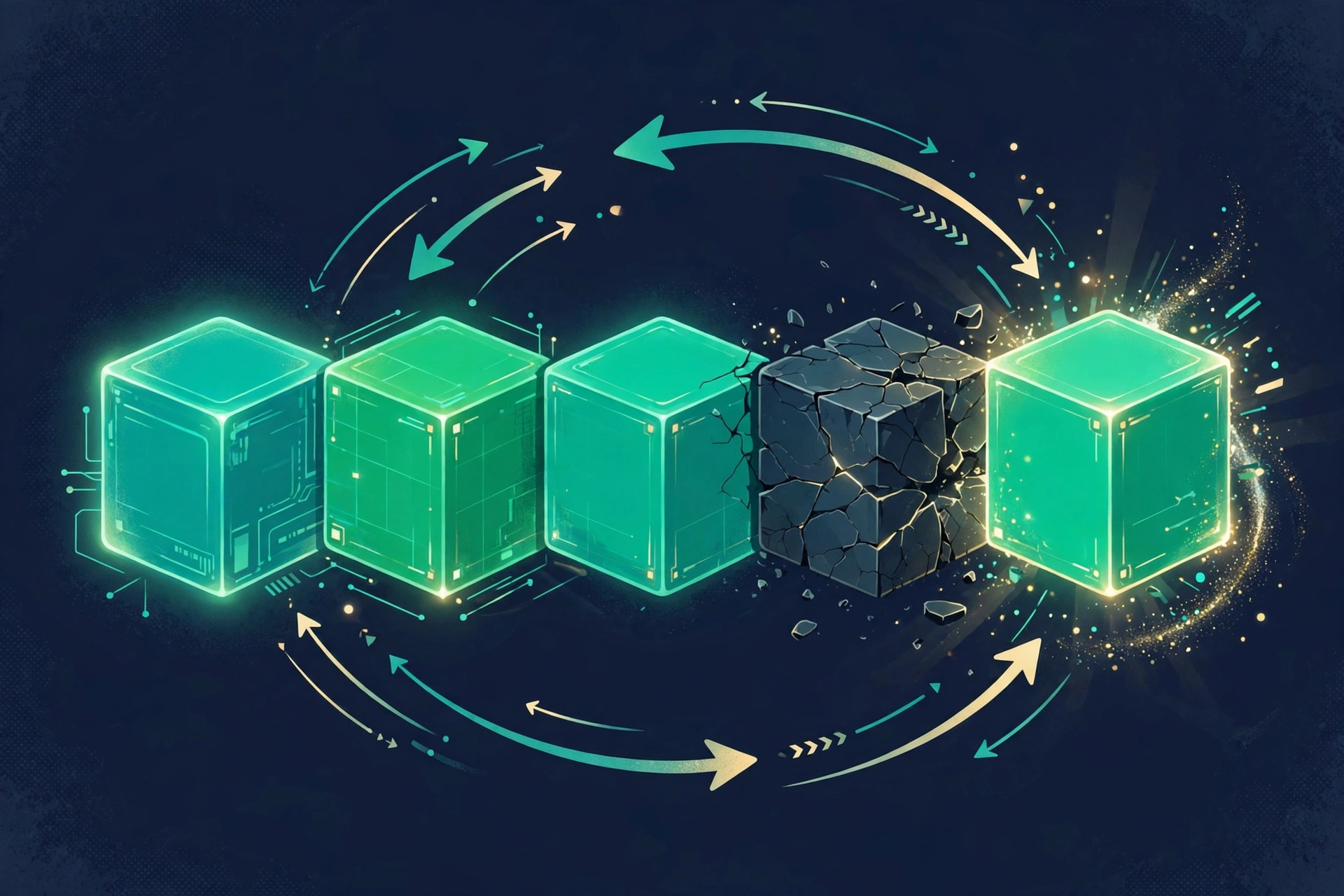
A deployment is where you declare your desired state for a stateless application: which container image to run, how many copies (replicas) you want, and how updates should roll out. The deployment creates a ReplicaSet, whose only job is to maintain that replica count. If you ask for three replicas and one pod crashes, the ReplicaSet notices the gap between desired state (three) and actual state (two) and creates a new pod — typically on a healthy node — to bring the count back to three.
Deployments also handle updates gracefully through rolling updates. When you release version 2 of your app, the deployment gradually replaces old pods with new ones, a few at a time, so your application never goes offline. If the new version turns out to be broken, a rollback restores the previous version just as smoothly. This update-without-downtime capability is one of the reasons teams adopt Kubernetes in the first place.
Services: Stable Networking for Ephemeral Pods
Since pods come and go with changing IP addresses, something must provide a stable way to reach them. That something is a service: a permanent virtual IP address and DNS name that sits in front of a set of pods and load-balances traffic across the healthy ones.
For example, your frontend service might be reachable at frontend.default.svc.cluster.local, and it routes requests to whichever frontend pods are currently alive. If you need to expose your application to the internet, you typically use an Ingress resource, which routes external traffic through a load balancer to the appropriate services based on URL paths or hostnames.
Kubernetes also provides ConfigMaps for non-sensitive configuration and Secrets for sensitive data like passwords and API tokens, so you can change settings without rebuilding container images. Namespaces let you divide one cluster into virtual sub-clusters — for example, separating development, staging, and production environments.
How Kubernetes Schedules Work: A Step-by-Step Walkthrough
Putting it all together, here is exactly what happens when you deploy an application to Kubernetes — the full journey from your command to running containers:
- Step 1 — You declare desired state. You write a YAML file describing a deployment (three replicas of your web app image) and submit it to the API server with a command-line tool like kubectl or through a dashboard.
- Step 2 — The API server validates and stores it. The API server checks that your request is well-formed and authorized, then records the desired state in etcd.
- Step 3 — The scheduler picks nodes. The scheduler notices new pods that have no node assigned and evaluates every node — checking free CPU and memory, your affinity rules, and which nodes are healthy — then binds each pod to the best-fit node.
- Step 4 — The kubelet starts the containers. The kubelet on each chosen node sees the new assignment, pulls the container image, and starts the runtime. It then reports the pod’s status back to the API server.
- Step 5 — Controllers keep it healthy forever. From this point on, the ReplicaSet controller, node controller, and other control loops watch continuously. A crashed pod is recreated, a failed node has its pods rescheduled elsewhere, and if you later edit the deployment, a rolling update begins.
Notice what you never had to do: you never logged into a server, never chose which machine runs what, never wrote a restart script, and never manually balanced traffic. That is the promise of the declarative model in action.
Why Kubernetes Became the Industry Standard
Kubernetes did not win by accident. Several properties explain why it has become the default platform for running modern applications:
- Portability: the same Kubernetes manifests run on your laptop, in any public cloud, and in your own data center. Moving between providers no longer means rewriting your deployment automation.
- Self-healing: automatic restarts, rescheduling, and health checks mean applications survive failures that would have caused outages in older setups.
- Elastic scaling: the Horizontal Pod Autoscaler adjusts replica counts based on CPU, memory, or custom metrics, so you pay for exactly the capacity you need — including scaling to zero in some setups.
- Zero-downtime updates: rolling updates and rollbacks make deployments boring in the best possible way.
- Enormous ecosystem: thousands of compatible tools exist for monitoring, logging, security, and continuous delivery, and managed Kubernetes services (Amazon EKS, Google GKE, Azure AKS) remove the burden of running the control plane yourself.
- AI workloads: the January 2026 CNCF survey found that 66% of organizations hosting generative AI models now use Kubernetes to manage some or all of their inference workloads, with features like Dynamic Resource Allocation bringing GPUs and other accelerators into the same declarative model as ordinary compute.
That last point matters more every year. Kubernetes has evolved from a web-application platform into the backbone of enterprise infrastructure, hosting training jobs, inference servers, data pipelines, and classic microservices side by side.
When Kubernetes Might Be Overkill
Honesty requires the other side of the story: Kubernetes is genuinely complex, and not every project needs it. You should think twice if any of the following describe you:
- You run a single simple application. A personal blog, a small marketing site, or one API with steady traffic will be cheaper and simpler on a virtual private server or a platform-as-a-service.
- Your team has no one to operate it. Kubernetes has a real learning curve, and a misconfigured cluster can be a security liability. Managed services reduce the burden but do not eliminate it.
- Your workload is mostly stateful and traditional. While Kubernetes handles databases and stateful workloads far better than it once did (through StatefulSets and operators), a single well-managed database server is still simpler for many teams.
A good rule of thumb: if you are running a handful of containers on one or two servers with predictable traffic, Docker Compose or a managed platform will serve you better. When you outgrow that — many services, many servers, spiky traffic, strict uptime requirements — Kubernetes starts paying for itself. Simpler orchestration alternatives like Docker Swarm or HashiCorp Nomad also exist for teams that want some automation without the full Kubernetes learning curve.
How to Get Started with Kubernetes as a Beginner
The good news is that you can learn Kubernetes on your own laptop for free. Here is a practical path that avoids the common trap of drowning in theory:
- Step 1 — Learn containers first. Get comfortable with Docker: building images, running containers, and understanding volumes and networks. Kubernetes orchestrates containers, so container fundamentals make everything else easier.
- Step 2 — Install a local cluster. Tools like minikube, kind (Kubernetes in Docker), or Docker Desktop’s built-in Kubernetes give you a real cluster on your machine in minutes. This is your sandbox — break it freely.
- Step 3 — Learn kubectl. This is the command-line tool for talking to the API server. Start with
kubectl get pods,kubectl describe, andkubectl logs— these three commands answer most “what is happening?” questions. - Step 4 — Deploy something real. Write a deployment YAML for a simple web app, expose it with a service, then practice scaling it up and down and performing a rolling update. Hands-on repetition is what makes the concepts stick.
- Step 5 — Explore the ecosystem gradually. Once deployments feel natural, look into Helm (a package manager for Kubernetes manifests), Ingress for external access, and observability tools like Prometheus and Grafana. Then, when you are ready for the cloud, try a managed service like GKE, EKS, or AKS, where the provider runs the control plane for you.
Expect the vocabulary to feel overwhelming for the first week or two — that is normal and shared by everyone. Focus on pods, deployments, and services first; the rest of the API surface can wait until you need it.
Conclusion
How Kubernetes works comes down to one elegant idea: describe the state you want, and let a tireless system of control loops make it so. Clusters of worker nodes run your containerized applications inside pods; the control plane — with its API server, scheduler, controllers, and etcd store — schedules those pods, heals them when they fail, scales them with demand, and updates them without downtime; and services provide stable networking over an ever-changing set of pods. With 82% of container users running Kubernetes in production and two-thirds of enterprise generative AI inference now managed on the platform, understanding these fundamentals is no longer a niche skill — it is part of modern technical literacy. Start with a local cluster, deploy something small, break it, fix it, and the once-intimidating vocabulary of pods and control planes will quickly become second nature.